

Getting started


Assistant Setup


Telephony


Integrations


Platform

Getting started
Assistant Setup
Telephony
Integrations
Platform
Whatsapp Templates
Create approved WhatsApp message templates in WhatsApp Manager
Overview
WhatsApp message templates are pre-approved messages required by Meta to contact customers outside the 24-hour conversation window. When a customer hasn’t messaged you in the last 24 hours, you must use an approved template to re-initiate the conversation.
Before you start
- A connected WhatsApp integration in AssistifAI. If you haven’t connected one, follow the WhatsApp integration setup guide first.
- Access to WhatsApp Manager
- An approved WhatsApp Business Account
Creating a template in WhatsApp Manager
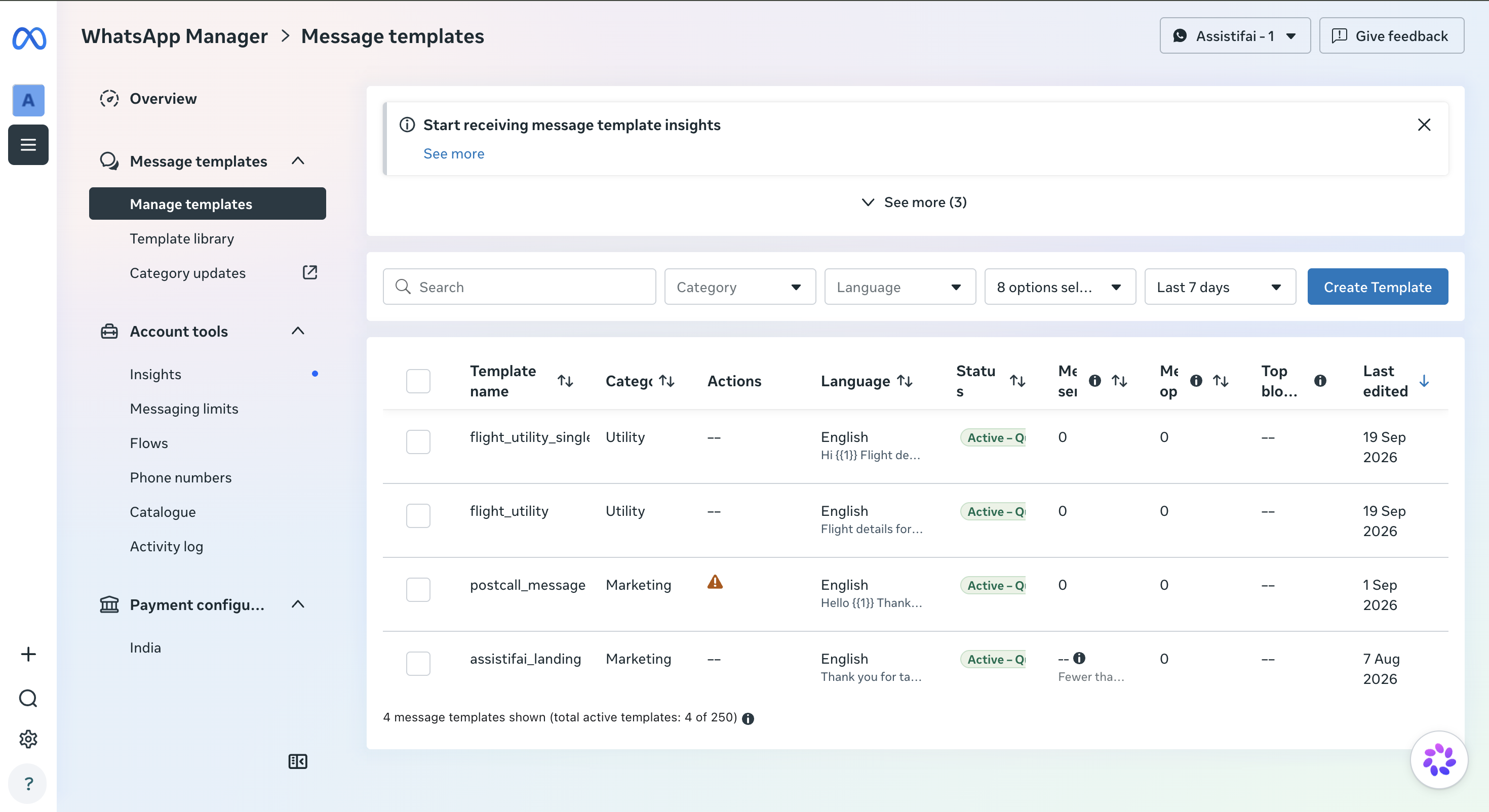
1. Open Message Templates
Navigate to WhatsApp Manager and open Message Templates.
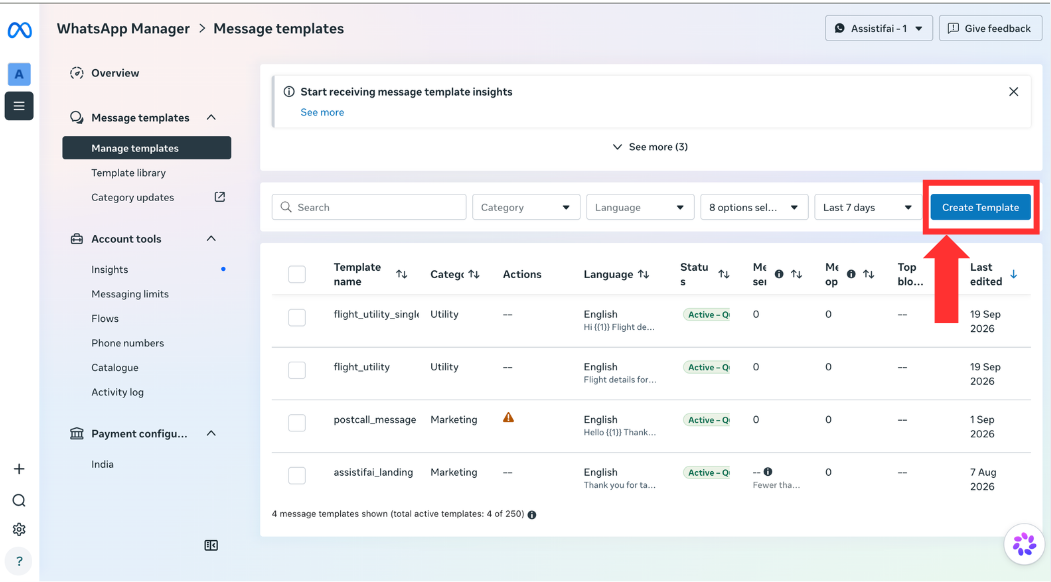
2. Create the template
Click Create Template.
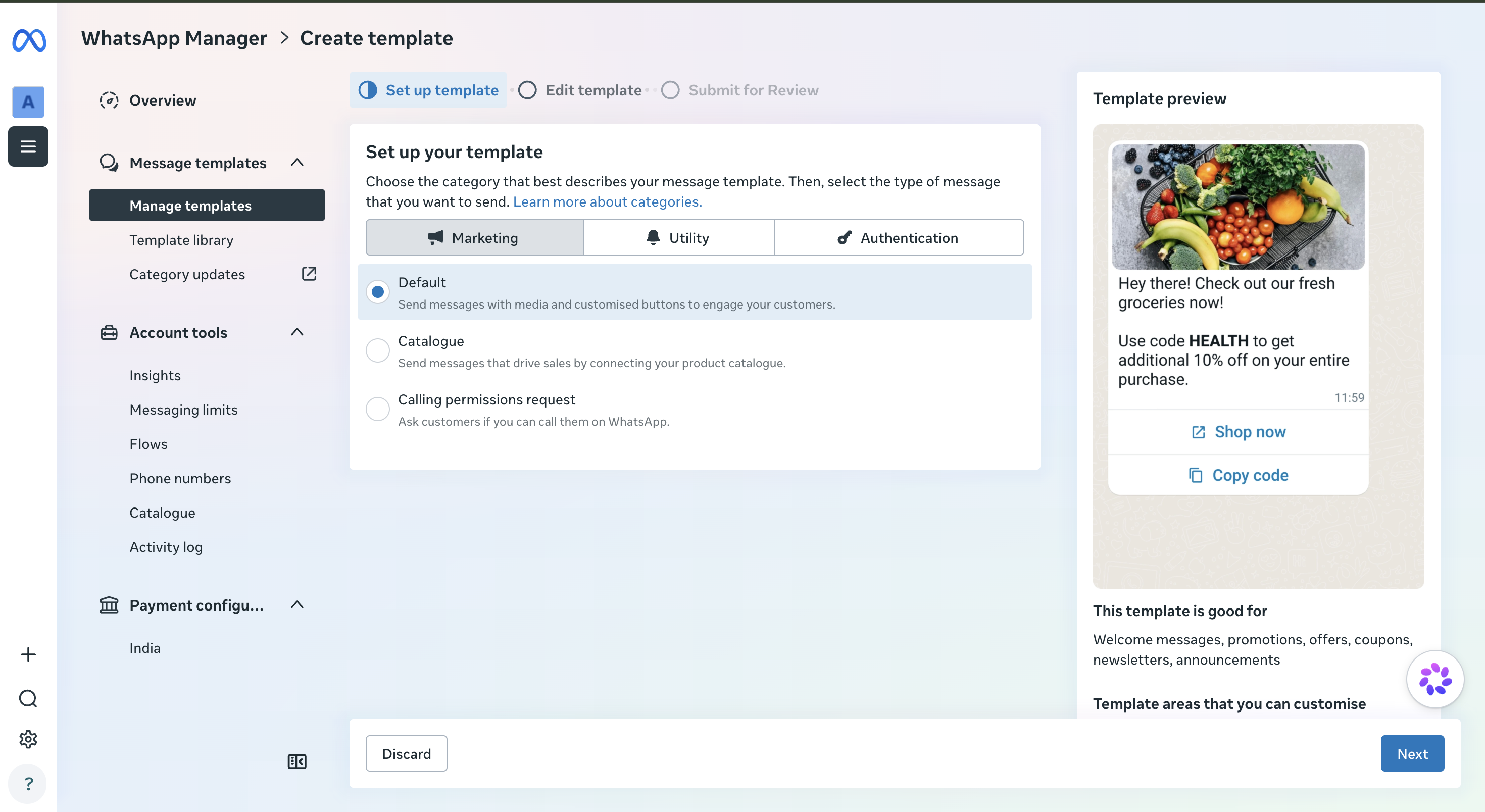
3. Choose a category
Choose a template category:
- Utility: for order updates, account notifications, and transaction confirmations
- Authentication: for verification codes and login confirmations
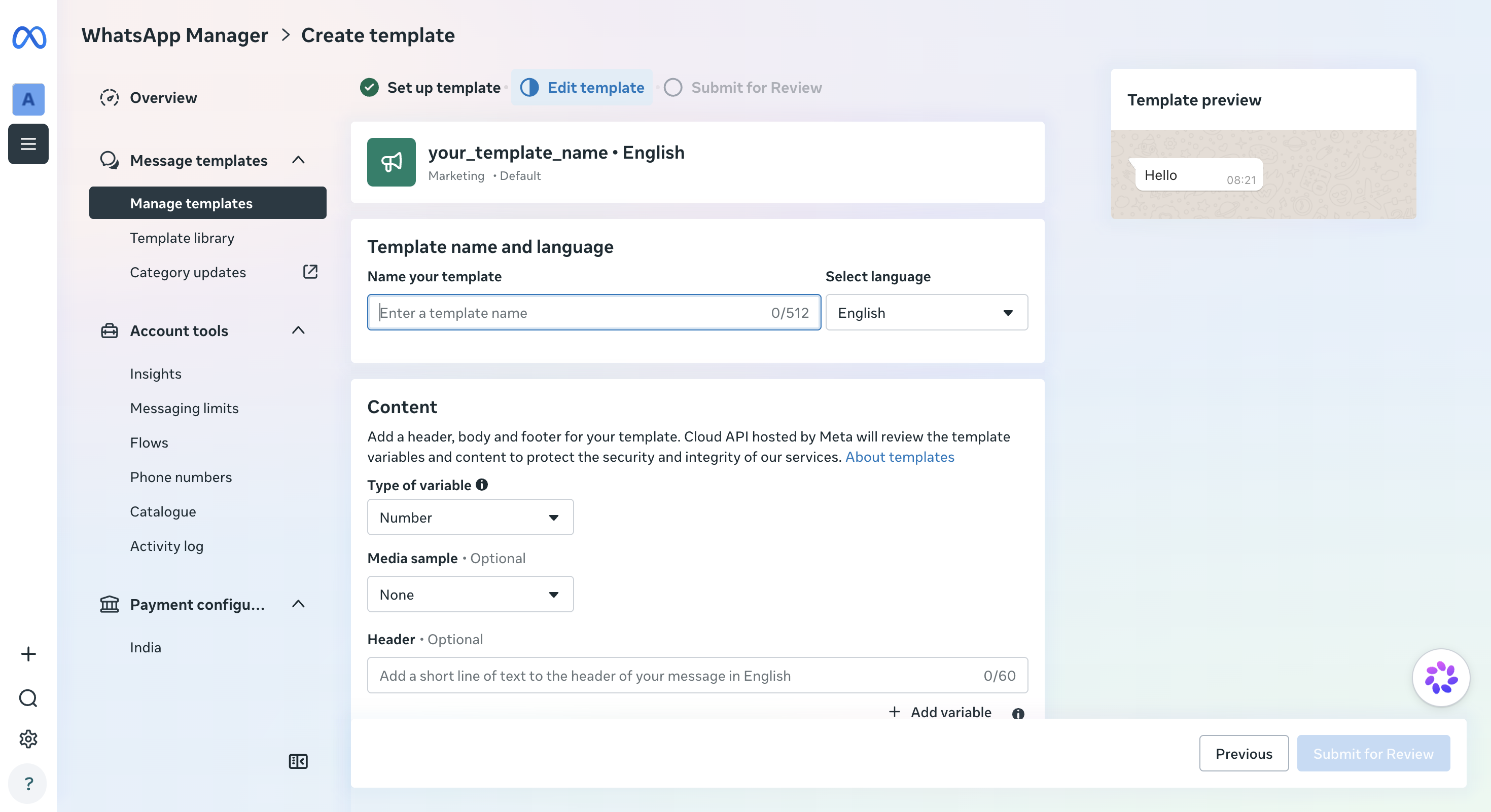
4. Name the template and pick a language
Enter a name for your template and select the language.
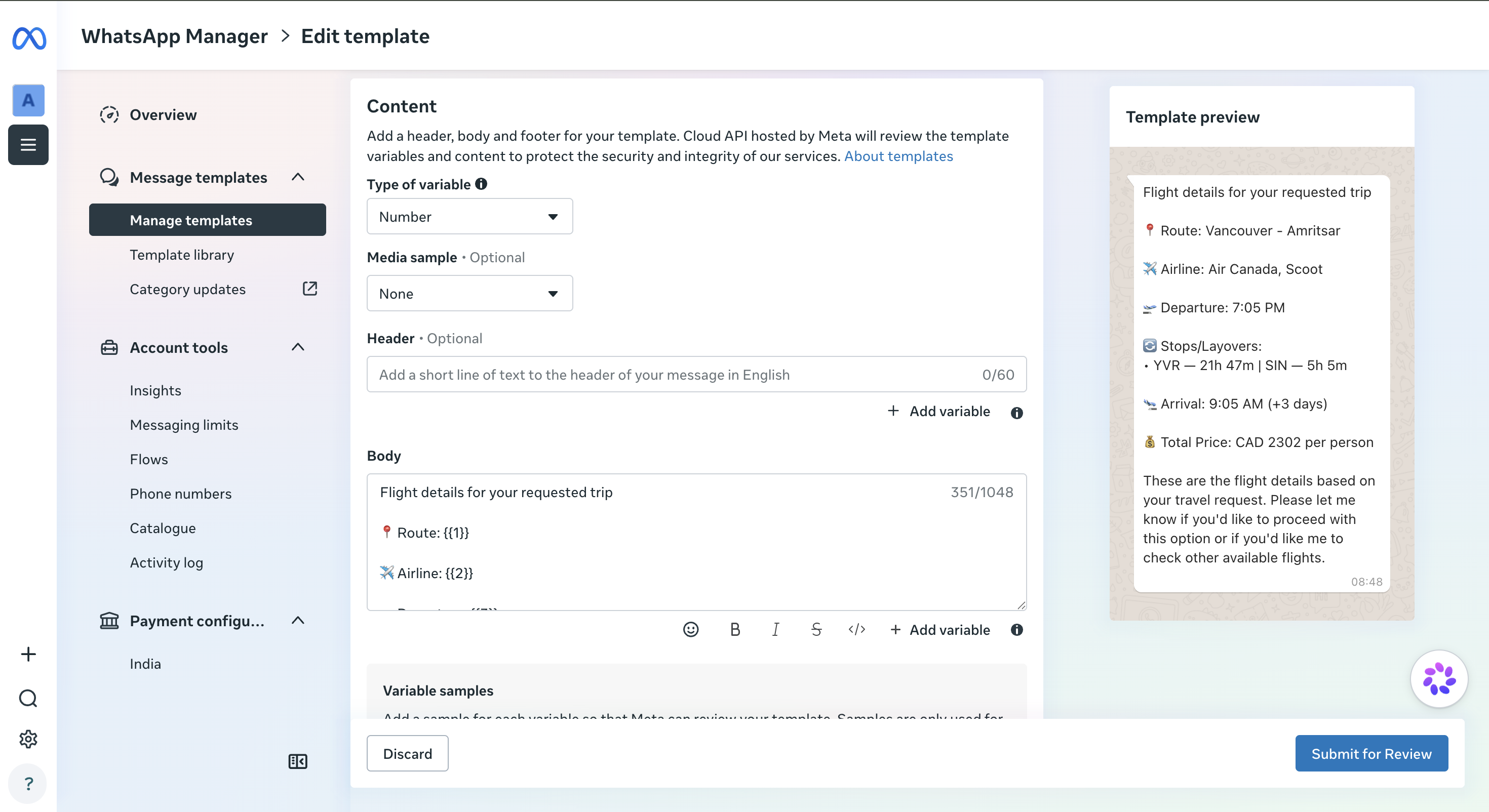
5. Write the body text
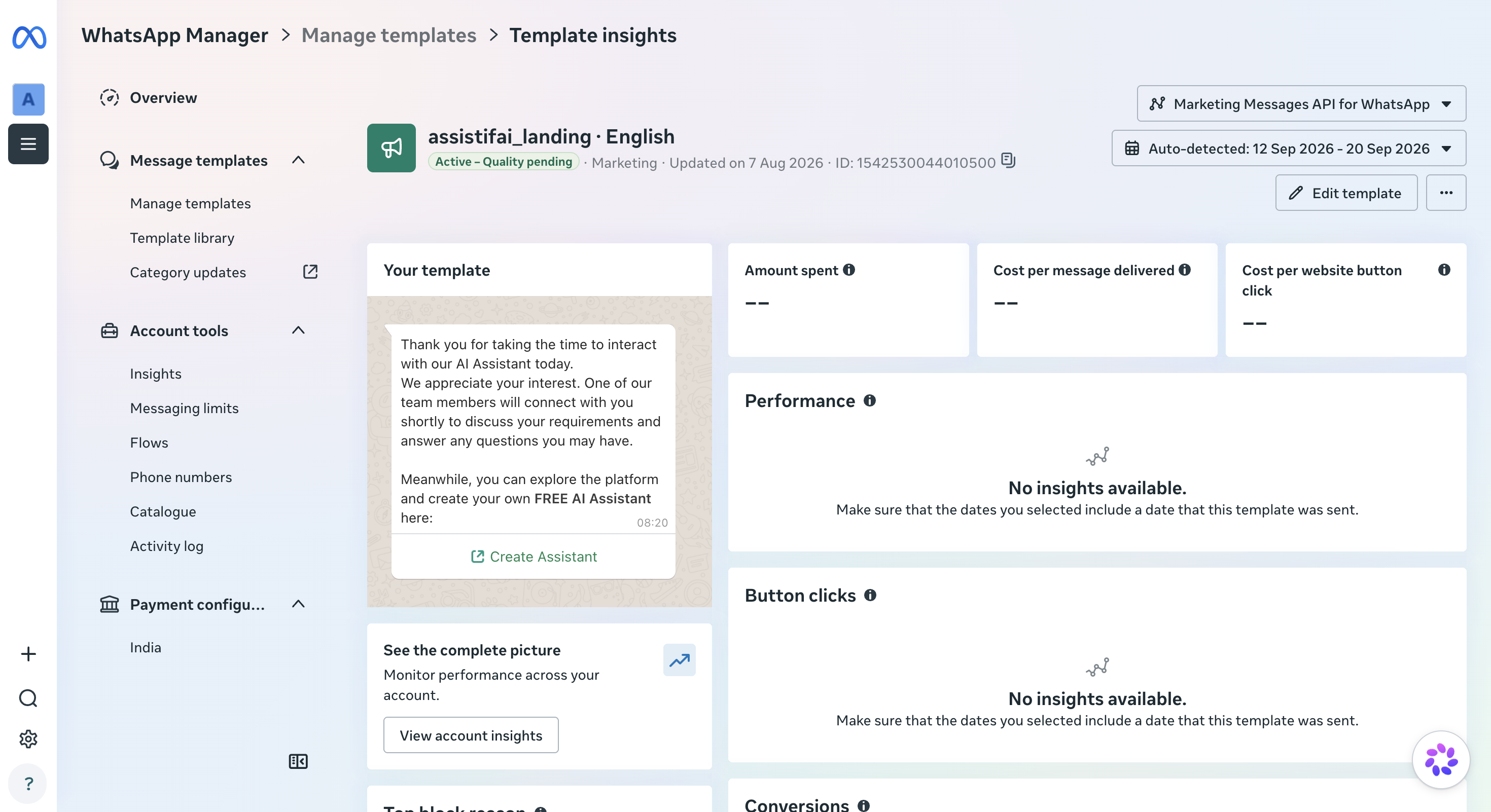
Write your template body text. You can include variables such as {{1}} and {{2}}, like this.
Limitations
- Templates must be approved by Meta before they appear in AssistifAI.
- Meta charges per template message sent, with fees varying by country and category.

