

Connect a WhatsApp number so your AI agent can handle customer conversations on WhatsApp
Overview
Integrating WhatsApp with AssistifAI lets your AI agent communicate directly with customers on WhatsApp, handling inquiries and automating responses. This guide walks you through connecting your agent to a WhatsApp phone number.
Before you start
The WhatsApp phone number integrated with the agent can only be used by the agent. It can’t also be used on WhatsApp or WhatsApp Business.
Make sure you have an approved display name before integrating with your agent. You can read more about display names on Meta’s site.

How to connect WhatsApp
1. Open the Integrations to connect WhatsApp
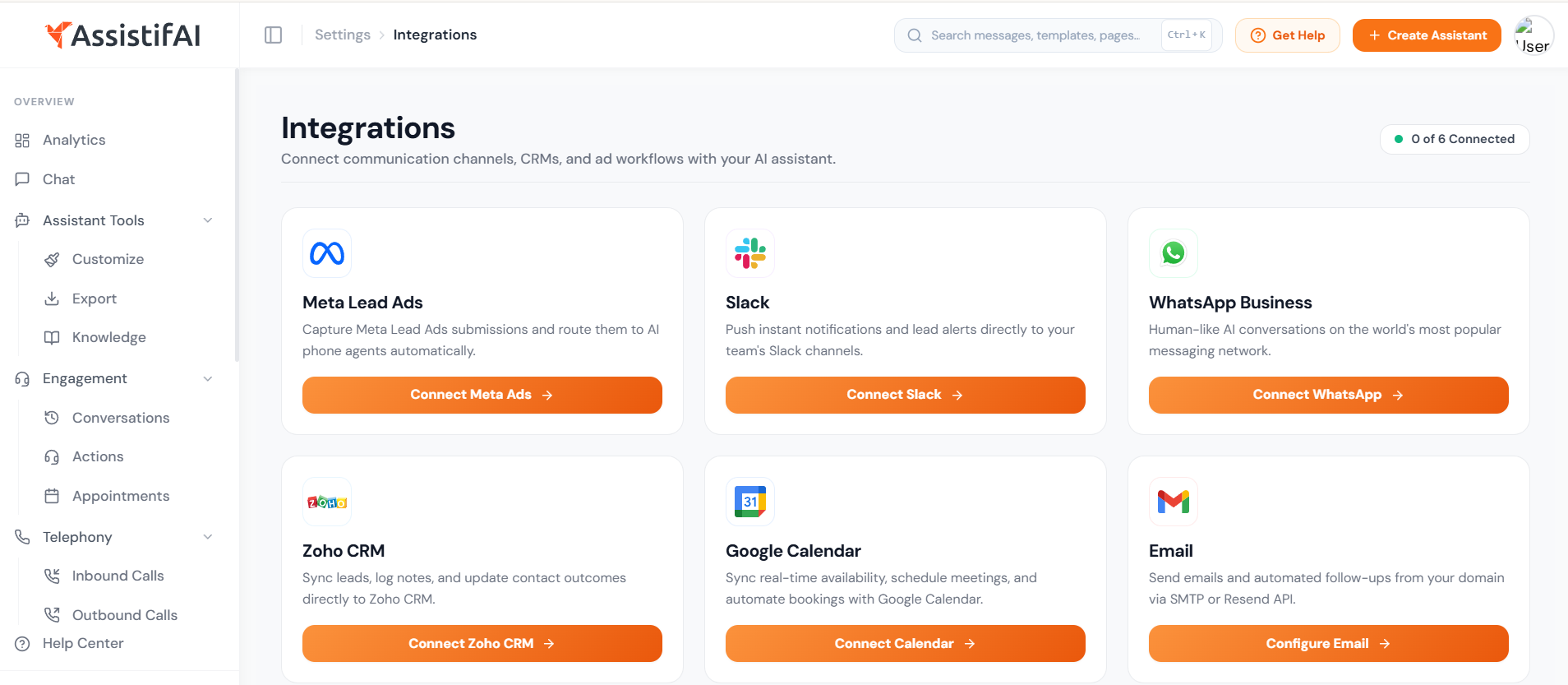
Navigate to the agent you’d like to integrate with WhatsApp. Click Integrations in the sidebar, then click Connect Whatsapp on the WhatsApp card.
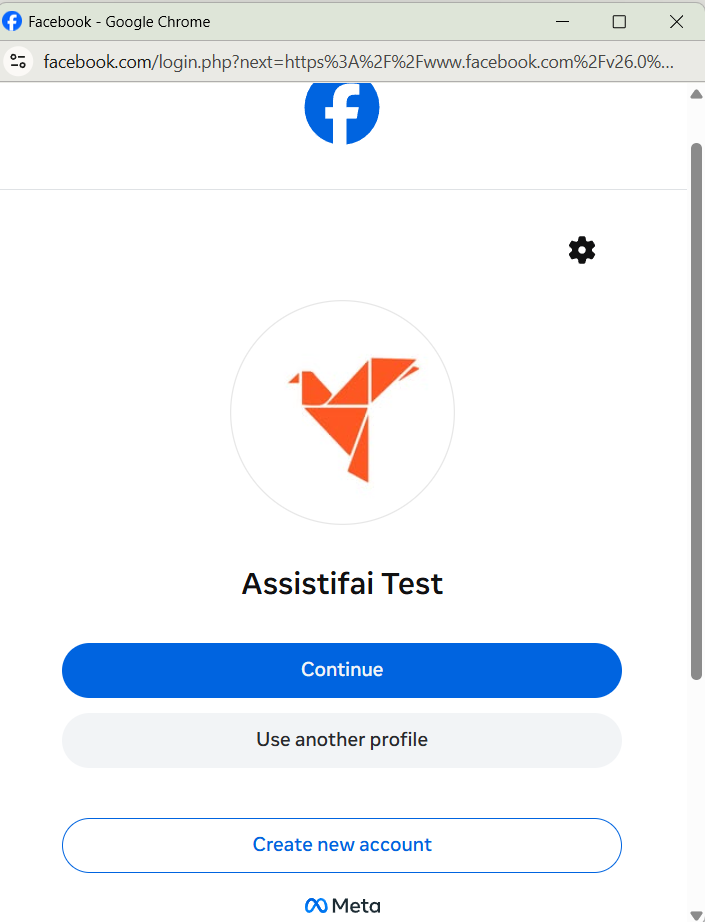
2. Log in with Facebook
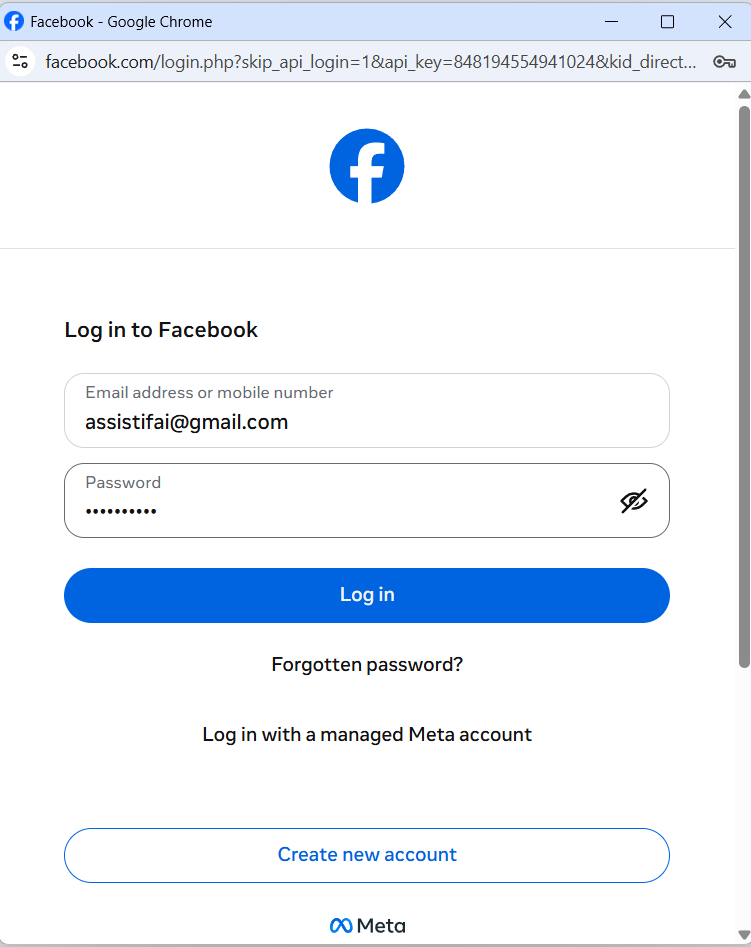
Log in with your personal Facebook account, then click Continue.
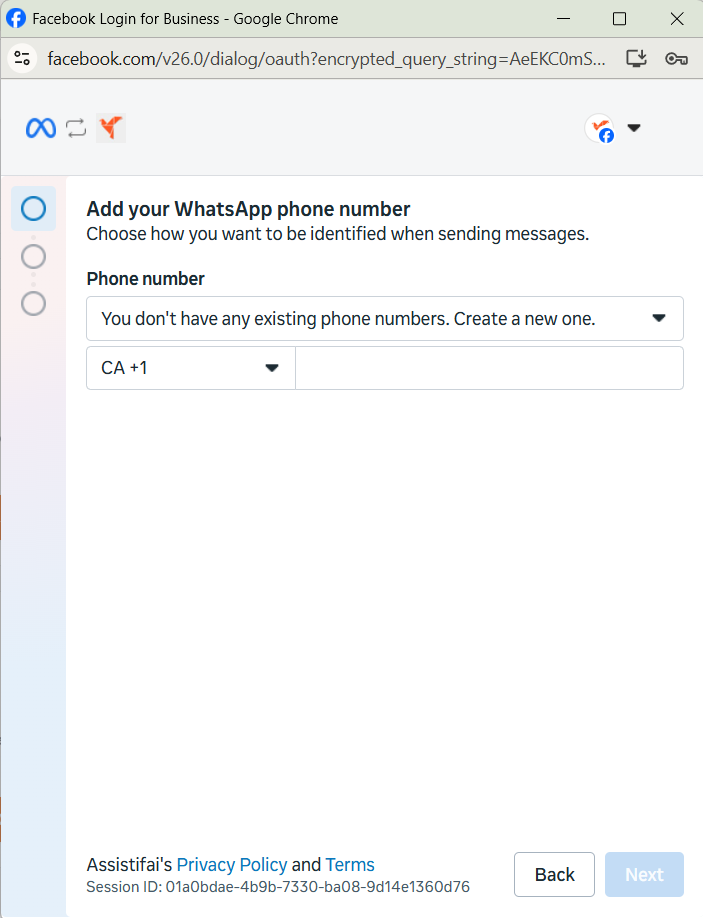
3. Add a phone number
Add a phone number. It’s recommended to have only one associated number in this profile, then click Next.
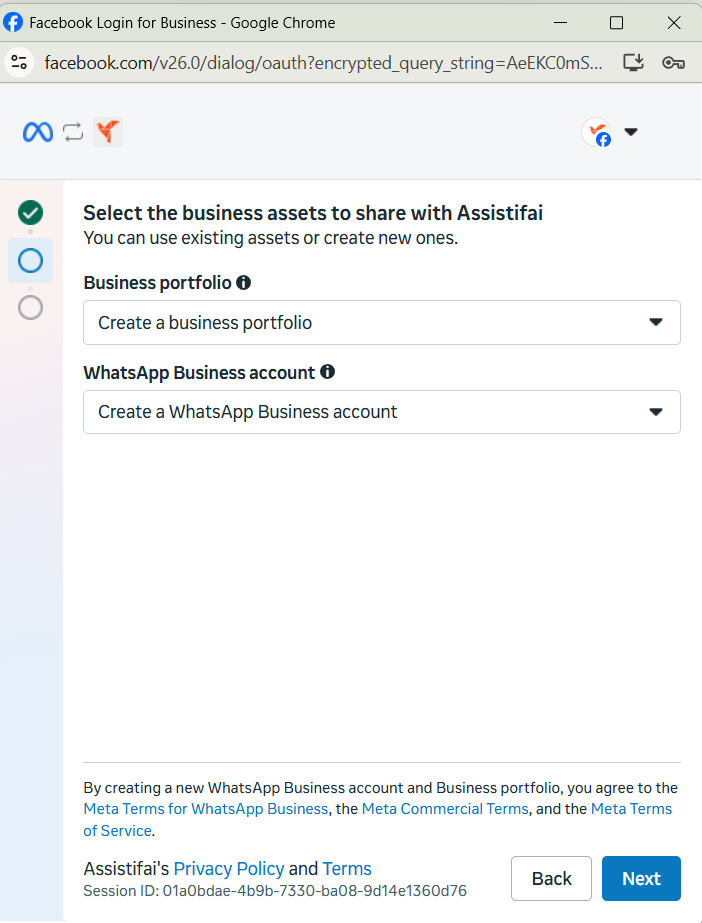
4. Choose or create a business profile
Select an existing business profile or create a new one, then create or select a WhatsApp business profile.
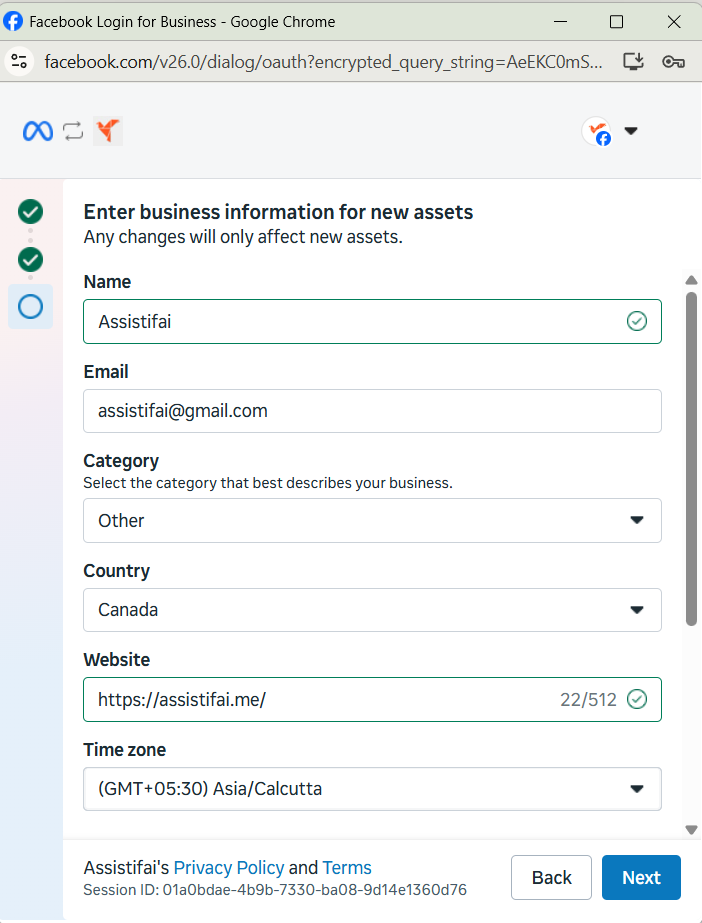
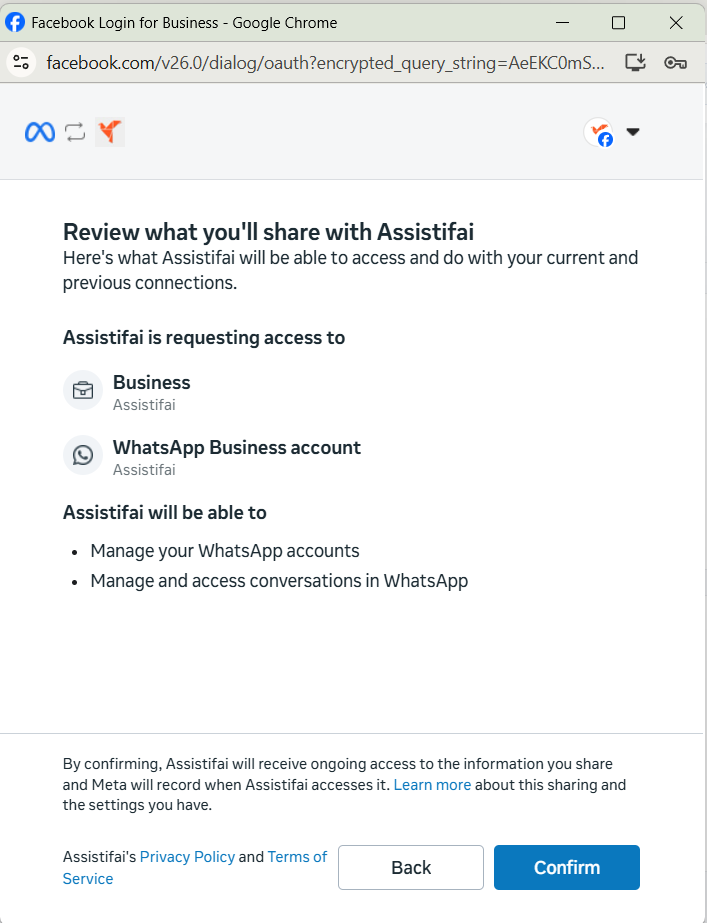
5. Finish the connection
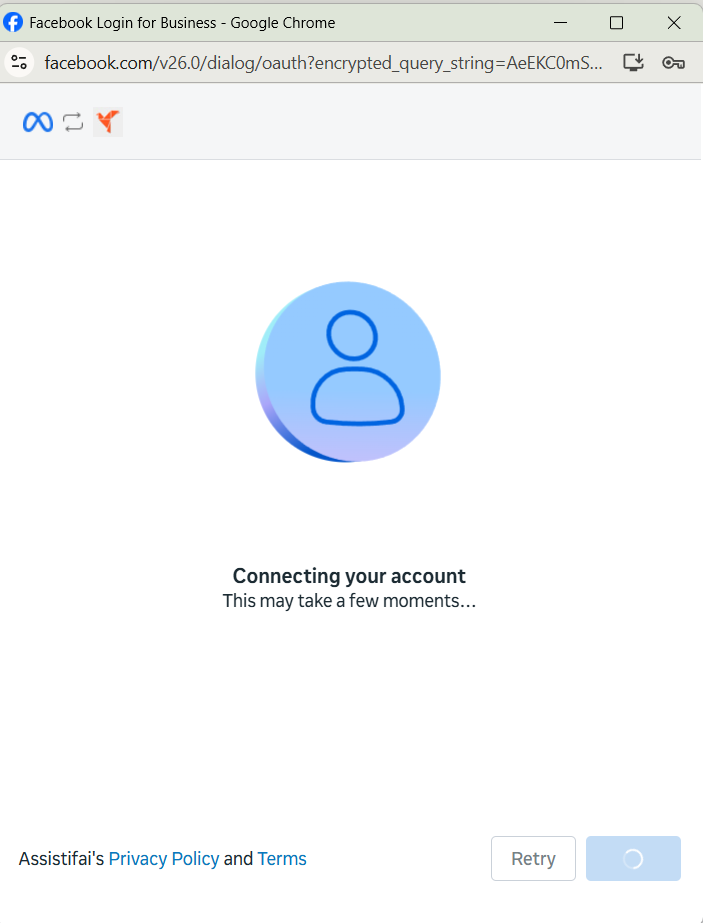
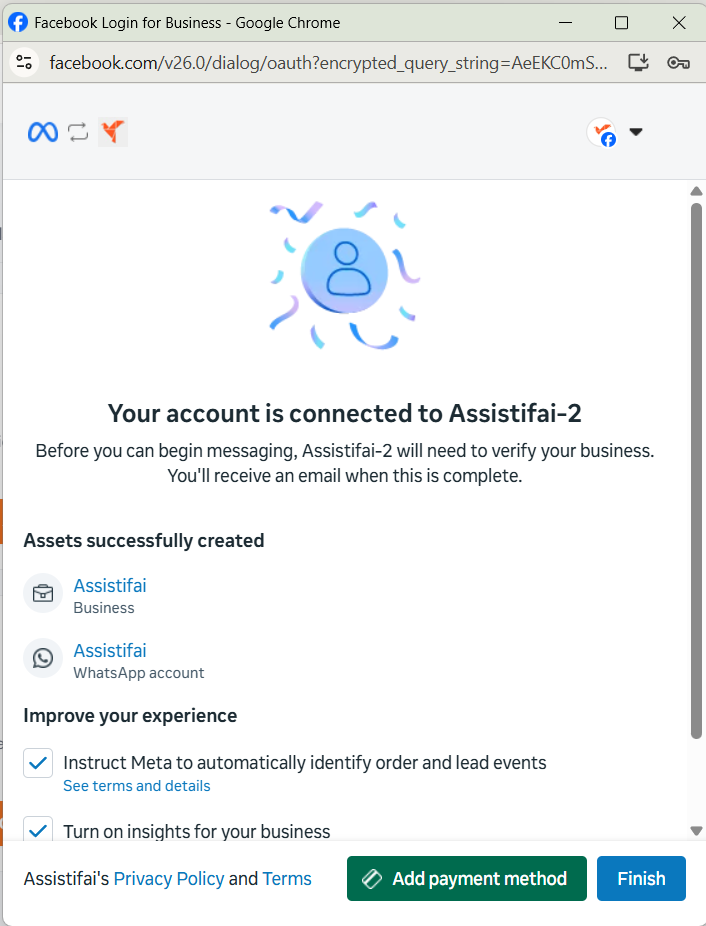
Wait a few seconds for information verification, then click Finish.