


Create your AI Assistant
A step-by-step setup guide for assistifai.me —from sign-up to a live assistant in about two minutes.
Before you start
• An email address (or a Google account for one-click sign-up).
• Your websiteURL — AssistifAI reads your site totrain the assistant. Optional, but recommended.
• Optional knowledge files — PDF, DOCX, TXT or CSV, up to 3 MB each (price lists, FAQs, brochures).
No credit card and no coding are required.Everything in this guide is available on the Free Plan.
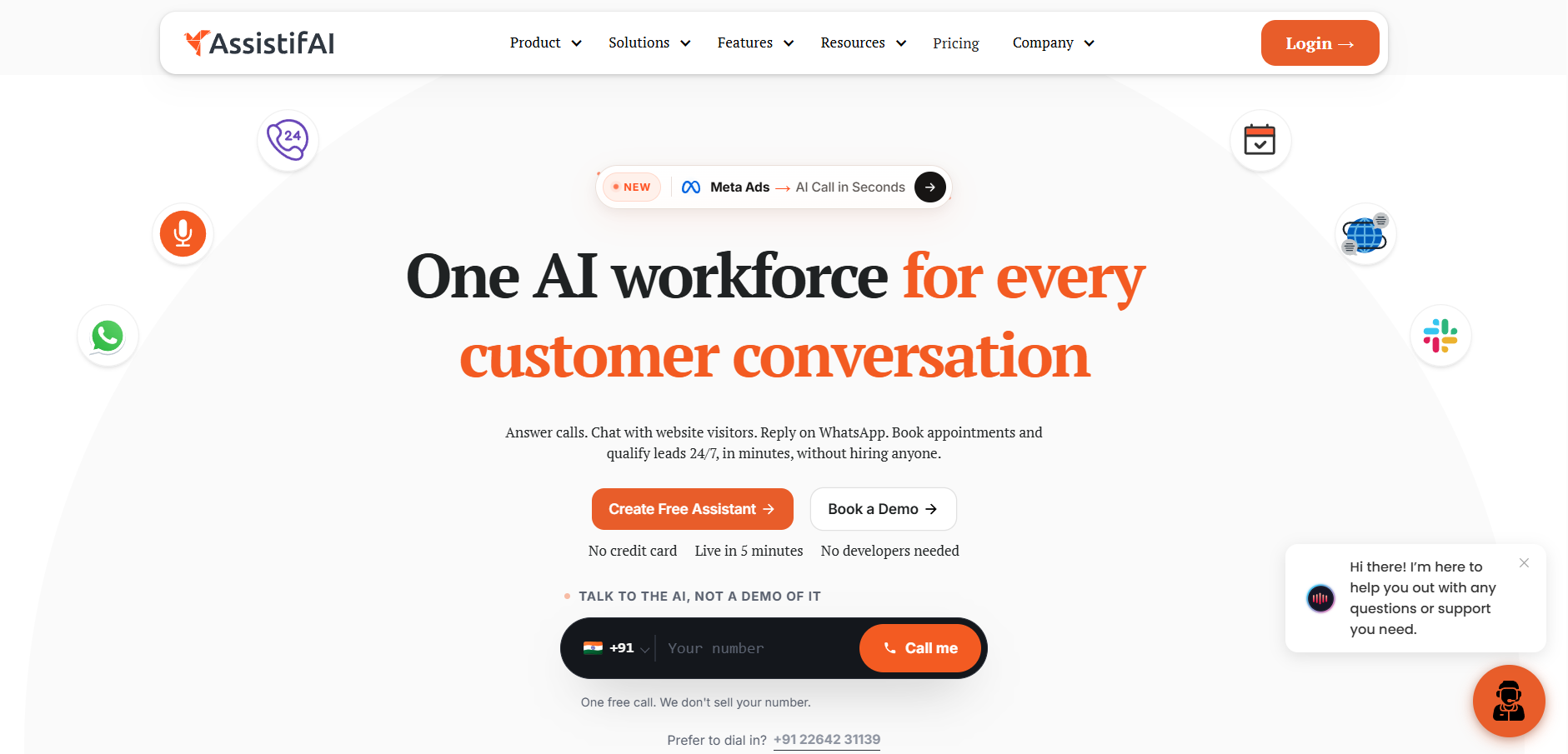
Step 1 — Create your account
Open assistifai.me and go to the sign-up page. You have two options:
• Sign up with Google — fastest route; no password to set.
• Email sign-up — enter your email, then type the same password into Password and Confirm password (use the eye icon to check what you typed).
Click Create Account to continue. Already registered? Use Sign in at the top right instead.

Step 2 — Connect your website (Setup Wizard, step 1 of 2)
This is where your assistant learns about your business.
• In Website URL(Auto-Extract Knowledge), type your domain — for example `company.com` or`https://company.com`.
• AssistifAI extracts your site title and business description, and builds a live Q&A chat preview on the right of the screen.
• Under Upload Knowledge Documents, click the box (or drag files onto it) to add PDF,DOCX, TXT or CSV files — max 3 MB.
When the preview looks right, click Select Channels →. Use ← Back to Signup if you need to change your account details.
Skipping the Knowledgebase Documents is possible, but the assistant will have far less to answer with. You can always add or replace sources later under Assistant Tools → Knowledge.

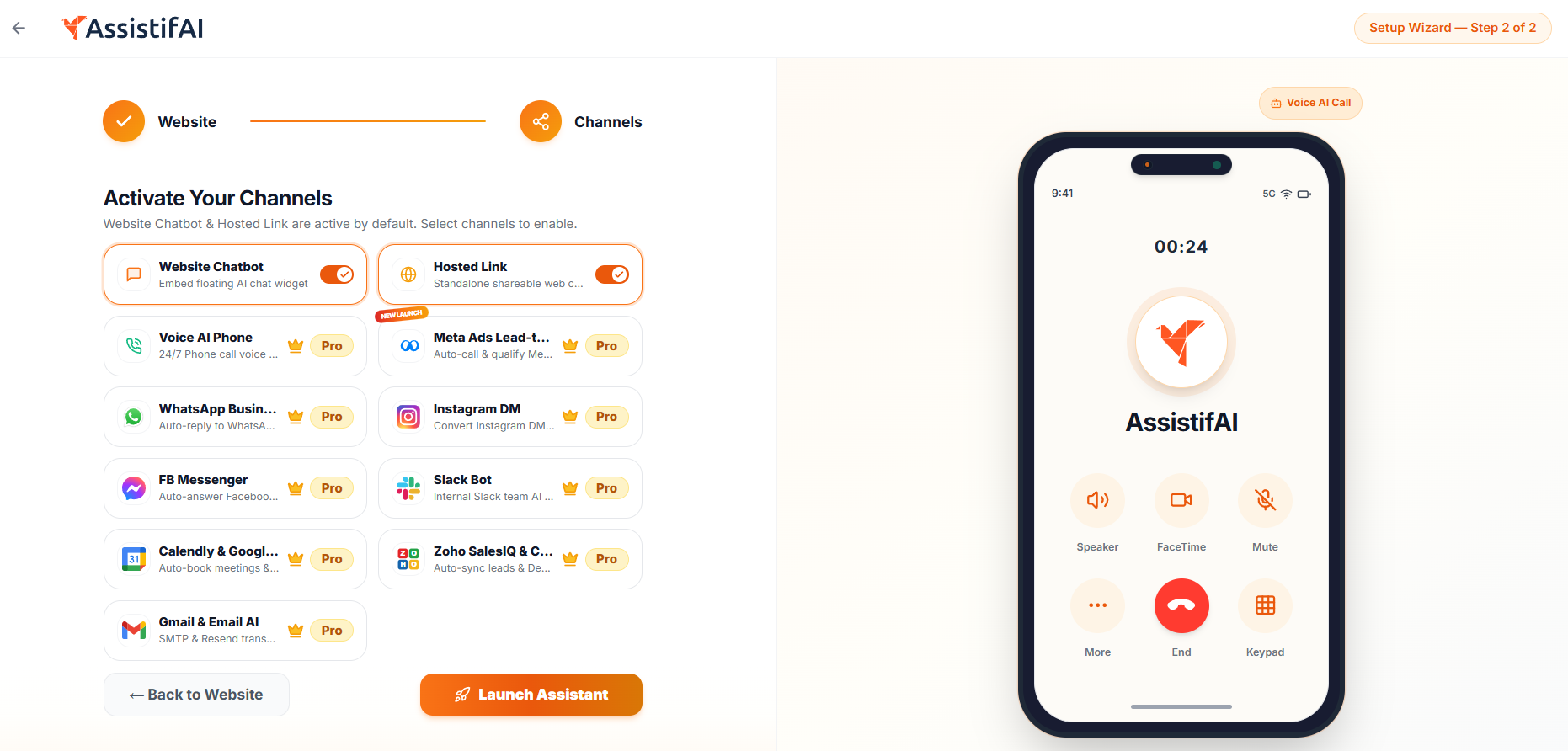
Step 3 — Activate your channels (Setup Wizard, step 1 of 2)
Choose where your assistant should talk to people. Website Chatbot and Hosted Link are switched on by default— together they give you an embeddable chat widget and a standalone shareable chat page.
Optional channels you can toggle on but only available on paid plan
• Voice AI Phone — 24/7 phone-call voice bot.
• Meta AdsLead-to-Call — auto-calls and qualifiesMeta ad leads.
• WhatsAppBusiness and Instagram DM — auto-reply to social messages.
• FB Messenger and Slack Bot— Facebook Page replies and an internal team assistant.
• Calendly & Google Cal — auto-book meetings and sync availability.
• Zoho SalesIQ & CRM and Gmail & Email AI — sync leads, tickets and transactional email.
Step 4 — Accept the Terms of Service
A Terms of Service dialog appears.The action buttons stay locked until you have scrolled all the way to the end of the document — verificationrequires a full review.
• Scroll to the bottom. You will see the confirmation “Terms fully reviewed. Action buttons unlocked.”
• Click I Agree & Continue to build and deploy your assistant.
If I Agree & Continue looks greyed out, you have not reached the very bottom of the terms yet — keep scrolling inside the dialog.

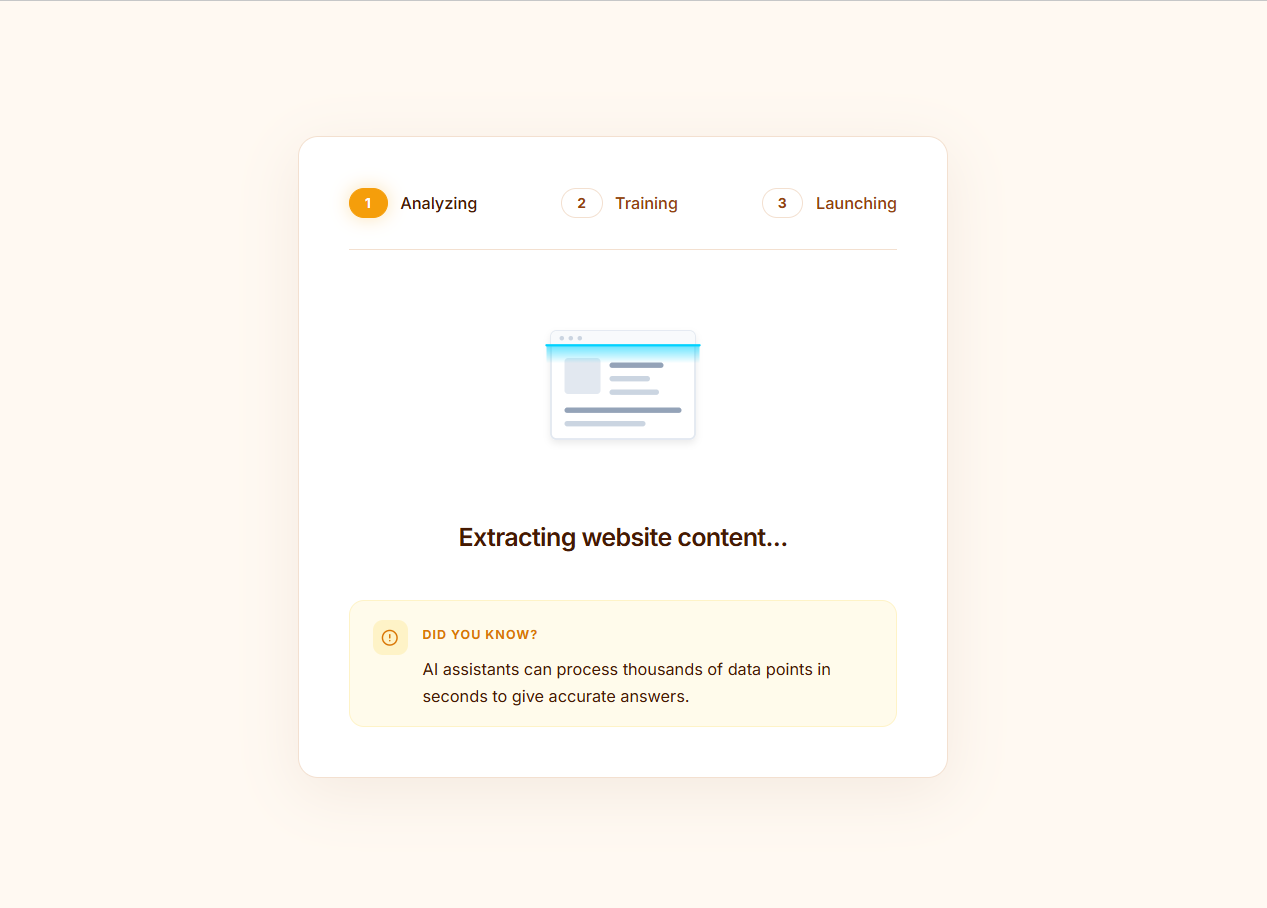
Step 5 — Let AssistifAI build your assistant
The build runs through threestages on its own — Analyzing, Training and Launching — while your site structure is scanned and your assistantis trained. Scanned data is encrypted and is never shared outside your account.
Keep the tab open; this usuallytakes well under two minutes.
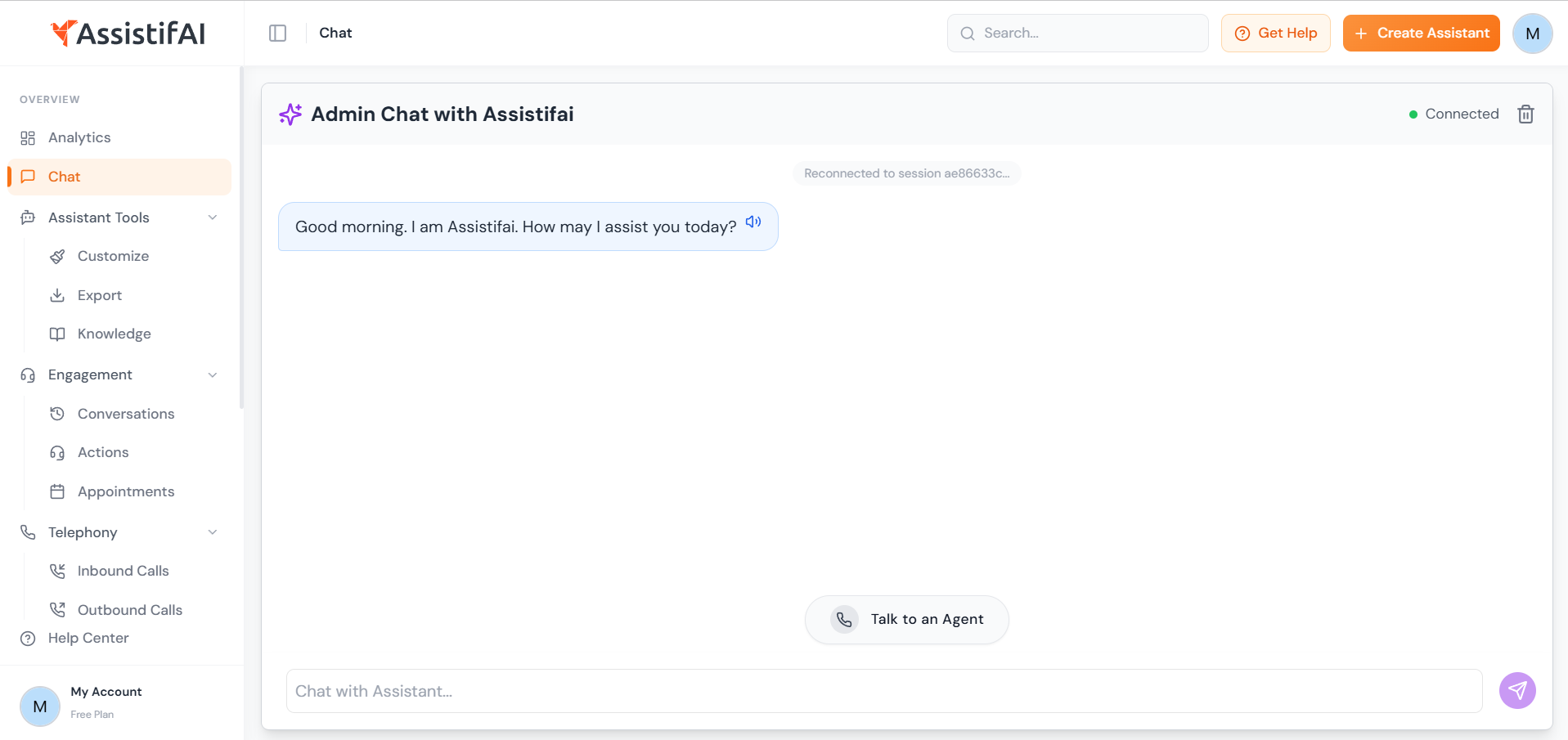
Step 6 — Your assistant is live
You land in the dashboard on the Chat page, in an Admin Chat with your new assistant. A green Connected label confirms it is running on the AI engine.
Test it right away
• Type a customer-style question into Chat with Assistant… and press the send button.
• Use the speaker icon on any reply to hear it read aloud,or Talk to an Agent to hand theconversation over.
Where to go next in the sidebar
• Assistant Tools→ Customize — change the assistant’sname, tone, colours and greeting.
• Assistant Tools→ Export — copy the embed snippet foryour website, or grab your Hosted Link.
• Assistant Tools→ Knowledge — add, replace or removetraining sources.
• Engagement — review Conversations, Actions and Appointments.
• Analytics — see volume, topics and outcomes.
• Integrations /Meta Ads / Telephony / WhatsApp — connect the channels you skipped in Step 3.
Your plan is shown bottom-left under My Account.
Quick troubleshooting
• “Create Account” does nothing — check that both password fields match and the email is valid.
• No preview after entering the URL — confirm the site is publicly reachable, then re-enter the address including `https://`.
• Document upload rejected — the file must be PDF, DOCX,TXT or CSV and under 3 MB.
• Answers feelthin — add more sources under Knowledge; a single thin homepage givesthe assistant little to work with.
• Need help — open Help Center in the sidebar, or Get Help in the top bar.
Welcome onboard. Your assistant is already answering, the rest is fine-tuning.

