
9 Best No-Code AI Agent Builders for your business

TL;DR
Problem: Your customer conversations are scattered across channels. Your follow-ups are manual. Your tools do not talk to each other.
Shift: A no-code AI automation platform now handles voice, chat, WhatsApp, and workflow execution without a single line of code.
Fix: The right platform depends on your use case. AssistifAI leads for omnichannel voice and chat execution. Others on this list cover specific needs from enterprise workflows to lightweight chat automation.
Gartner predicted that by 2026, 80% of enterprises will have used generative AI APIs or deployed AI-enabled applications, up from less than 5% in 2023. The window to build an AI agent without coding is now.
How Do You Choose the Right No-Code AI Agent Builder?
Select the no-code AI agent based on your use case, not the feature list. The wrong tool for your workflow will cost you more time to fix than it saves.
Criteria used to evaluate each tool below:
- Ease of setup: Can a non-technical user deploy it in under an hour?
- Channel coverage: Does it handle voice, chat, WhatsApp, or all three?
- Workflow execution: Can it trigger actions beyond conversation, such as follow-ups, bookings, and CRM updates?
- Scalability: Does it hold up when volume grows?
- Best-fit use case: Who actually benefits most from this tool?
The 9 Best No-Code AI Agent Builders for Voice and Chat Automation
1. AssistifAI: Best No-Code AI Automation Platform for Voice and Chat

Best for: SMBs, customer support teams, and operations leaders who need one system to handle conversations, follow-ups, and workflows without stitching tools together.
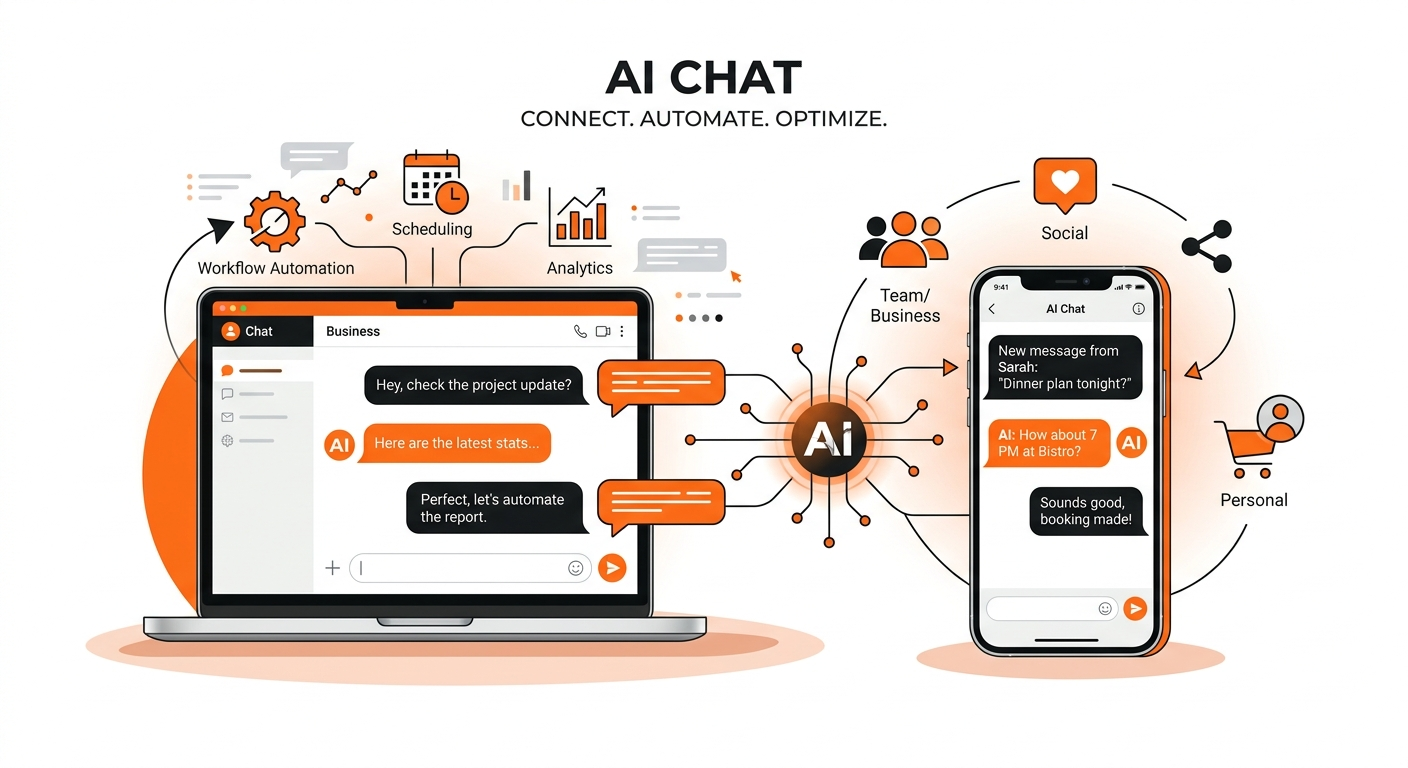
AssistifAI is not just a voice bot or a chat widget. It is a no-code AI automation platform designed to replace the fragmented stack most businesses use today. One tool for calls, another for CRM, another for follow-ups, and someone manually connecting it all. AssistifAI replaces that entire setup.
The setup is fast. A website scan generates a functional AI assistant in roughly 60 seconds. From there, it handles voice (web and telephony), chat, WhatsApp, and Instagram, all from one system.
What makes it different:
- Missed calls trigger automatic callbacks, so no lead slips through
- Follow-ups run without manual effort or reminders
- Leads are qualified and appointments booked during the conversation itself
- Full journey visibility: You see where leads drop, what converts, and where the system flags issues.
Most platforms stop at conversation. AssistifAI continues through execution, covering follow-up, booking, and workflow. That is where it wins over most tools.
Who should skip it: If you only need a basic FAQ chatbot for a low-traffic site, this is more than you need.

2. Lindy: Best for Automating Repetitive Internal Operations

Best for: Founders and ops teams drowning in email, scheduling, and task follow-up.
Lindy is a no-code AI assistant built around personal and team productivity. It connects to your email, calendar, and task tools and runs automations on your behalf, drafting replies, scheduling meetings, and handling routine coordination. It offers 100+ ready-to-use templates and connects with over 4,000 apps, including HubSpot, Gmail, and Slack.
- Works well for internal ops with minimal setup.
- Strong at email and calendar-based workflows.
- Multi-agent support: different agents can qualify leads, send follow-ups, and update CRM independently.
- Not built for customer-facing voice or omnichannel chat.
Who should skip it: If your primary need is inbound voice handling or real-time customer conversation, Lindy is the wrong fit.
3. Relevance AI: Best for Building Complex Multi-Agent Workflows

Best for: Technical teams and fast-growing startups that need multiple AI agents working together across departments.
Relevance AI lets you build agents that collaborate, share data, and handle multi-step processes across your business. It combines a visual builder with developer-level flexibility, so teams with some technical experience can go deep without writing full code.
- Multi-agent orchestration with shared data and conditional triggers
- Built-in vector database helps agents retain knowledge over time
- Real-time visualization of agent performance and interactions
- A more gradual learning curve than most tools on this list
Who should skip it: Non-technical SMB owners who need a fast deployment. Relevance AI rewards teams with some experience in workflow logic.
4. Relay.app: Best for Human-in-the-Loop Workflow Automation

Best for: Operations, support, and finance teams that need structured multi-step workflows with built-in human review and approval checkpoints.
Relay.app is a no-code AI workflow platform that goes beyond simple "if this, then that" automation. It lets teams build agentic workflows that combine AI steps with human checkpoints, ensuring critical actions are reviewed before execution.
Works across Gmail, Slack, HubSpot, Notion, and 100+ other apps out of the box.
The setup is fast. Most workflows can be configured in minutes using the visual step-by-step builder, with live data previews as you build.
- Visual workflow builder accessible for non-technical users
- Human-in-the-loop checkpoints: approve, revise, or reject AI outputs before they continue
- Built-in AI actions for summarization, extraction, classification, and content creation
- Supports multiple LLMs, including GPT-4 and Claude, or bring your own API key
- MCP server support for connecting internal systems
Who should skip it: Teams with strict data residency requirements. Relay.app is cloud-only, which rules it out for organizations subject to HIPAA, GDPR, on-premises mandates, or government compliance policies.
5. Botpress: Best for Developer Teams That Want a Visual Builder with Full LLM Control

Best for: Development teams and technical founders who want a no-code starting point but need the option to go deep with custom logic, integrations, and LLhM flexibility.
Botpress sits at the intersection of no-code and developer-grade control. Its visual builder (Botpress Studio) lets non-technical users quickly get a basic agent live, while the underlying platform gives developers full API access, custom scripting, and a fully LLM-agnostic architecture that supports OpenAI, Anthropic, Mistral, and custom models.
With over one million bots deployed and 190+ pre-built integrations, it has strong community backing and a well-documented onboarding. Basic bots can go live the same day.
- Fully LLM-agnostic: Swap models without rebuilding your agent
- 190+ pre-built integrations including WhatsApp, Slack, CRM tools, and Facebook Messenger.
- Knowledge base training and conversation analytics built in.
- Self-hosted option available on the Enterprise tier.
- Active developer community with strong YouTube and documentation resources.
Who should skip it: Teams that need enterprise-grade orchestration, governance, or regulated-environment compliance on lower tiers. Botpress excels at prototyping and mid-market use cases but is not built for complex multi-agent coordination at scale.
6. Airtable: Best for No-Code AI-Powered Workflow Databases
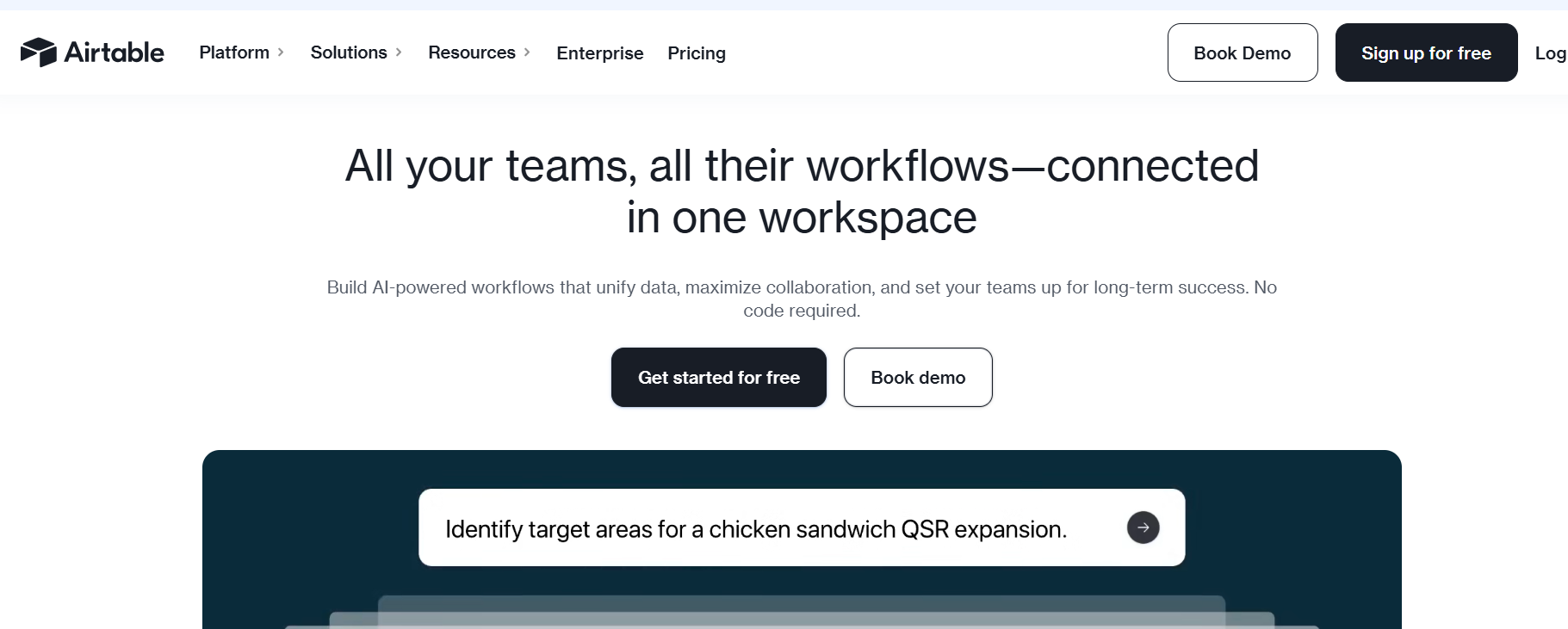
Best for: Operations teams that already use Airtable and want to layer AI onto existing data workflows.
Airtable has evolved well beyond a spreadsheet replacement. Its AI features now allow teams to build automated workflows, trigger actions in response to data changes, and run AI queries across records, all without code.
- Familiar interface with a low learning curve
- Strong for data-driven workflow automation
- Not a voice or conversational AI platform
Who should skip it: Anyone whose primary need is voice automation or real-time customer conversation handling.
7. Budibase: Best for Building Internal Apps with Light AI Automation

Best for: Operations and IT teams that need custom internal tools with basic AI workflow capabilities layered in.
Budibase is a no-code platform for building internal dashboards and tools. It is not purpose-built for AI agents, but its automation builder, data integrations, and custom scripting support make it a practical choice for teams that want to merge data handling and AI in one place.
- Drag-and-drop app builder with clean UI components.
- Connects with databases, APIs, and spreadsheets.
- Workflow triggers based on form submissions or data updates.
- More expensive than other tools when scaling to larger teams, starting at $60 per creator per month.
Who should skip it: Teams that need a full AI agent builder for customer-facing voice or chat. Budibase handles internal tooling well, but it is not built for conversational AI at scale.
8. Microsoft Copilot Studio: Best for Enterprises in the Microsoft Ecosystem

Best for: Enterprise teams using Microsoft 365, Teams, and Azure who need AI agents with governance and compliance controls.
Microsoft Copilot Studio is the enterprise-grade no-code agent builder from Microsoft. It integrates natively with Teams, SharePoint, and the broader Microsoft stack and comes with the compliance and security controls large organizations require.
- Deep Microsoft ecosystem integration
- Strong governance and admin controls
- Overkill for SMBs and requires Microsoft licensing
Who should skip it: SMBs or startups not on Microsoft infrastructure. The licensing costs and ecosystem dependency are not worth it outside that context.
9. Voiceflow: Best for Visual Conversation Design and Rapid Prototyping

Best for: Product and design teams that need to build, test, and iterate on AI agent flows visually without writing code.
Voiceflow is a drag-and-drop canvas for designing and deploying AI agents across chat and voice channels. It started as an Alexa skill builder and has grown into a full conversational AI design platform. If your team needs to prototype quickly and collaborate across designers, PMs, and developers in a single workspace, Voiceflow is built for that.
The free tier gets you live the same day. Production deployments with voice and backend integrations require some developer involvement, particularly for configuring Twilio or Vonage.
- Visual canvas lets non-technical users design multi-step conversation flows without code
- Supports GPT-4, Claude, and other LLMs on paid plans
- Knowledge base training, analytics dashboard, and transcript review built in
- Voice deployment via Twilio and Vonage
Who should skip it: Anyone building production-grade customer-facing agents at scale. Credits run out, and agents stop mid-operation on lower tiers. Per-editor pricing also gets expensive fast for larger teams.
Comparison Table: 9 No-Code AI Agent Builders at a Glance

How Do You Pick the Right No-Code AI Agent Builder for Your Business?
For this, you have to answer the three questions below:
- What channels matter most? If voice is critical, most tools on this list are not built for it.
- Do you need execution after the conversation? Follow-ups, bookings, and CRM updates require a platform with workflow depth, not just a chat interface.
- Who is managing it? Truly, no-code tools lower the maintenance burden. Platforms requiring dev support add hidden costs over time.
A chatbot only answers. A platform acts.
Conclusion: The Right Tool Solves the Right Problem
No-code AI agent builders have moved from novelty to necessity. The question is no longer whether to use one. It is finding the right one that actually fits your workflow.
If your bottleneck is internal ops and email, Lindy works well. If you are managing complex multi-agent pipelines, Relevance AI provides the depth you need. If you are deep in the Microsoft ecosystem, Copilot Studio makes sense. If you need AI-powered data workflows, Airtable does the job.
But if your real problem is missed calls, slow follow-ups, and no visibility into what is converting, that is a system problem. A chatbot will not fix a system problem. A right no-code AI automation platform like Assistifai will only help.
Learn how AssistifAI handles the full customer journey
FAQs
What is a no-code AI agent builder?
A no-code AI agent builder is a platform that lets you create and deploy AI assistants without writing code. These agents handle tasks like answering customer questions, booking appointments, qualifying leads, and triggering follow-up workflows across channels like voice, chat, and WhatsApp.
How is an AI agent different from a chatbot?
A chatbot responds to questions. An AI agent takes action. The difference lies in execution: an agent can book an appointment, update a CRM record, trigger a follow-up, or route a lead based on the conversation context. Most chatbots stop at the answer.
Can no-code AI agents handle voice calls?
Most cannot. Voice is a technically demanding channel, and many platforms treat it as an add-on. AssistifAI is built with voice as a core capability, natively handling both web-based voice and telephony.
Which no-code AI agent builder is best for small businesses?
For SMBs that need voice, chat, and workflow execution in one place, AssistifAI is the strongest fit. For visual design, Voiceflow is the best. For internal ops automation, Lindy works well.
Do I need technical skills to use these platforms?
Truly no-code platforms like AssistifAI, Relay.app, Lindy, and Airtable require no coding. Tools like Botpress are low-code options that still require some familiarity with workflows or APIs to get the most out of them.
What should I look for in a no-code AI automation platform?
Prioritize channel coverage (voice, chat, WhatsApp), workflow execution depth, ease of setup, integration support, and scalability. The best tool is the one that handles your highest-friction customer touchpoint first.

Read More Blogs

Your next hire isn't human.


AssistifAI automates your workflows and delivers exceptional voice and chat-based customer support helping your business grow faster, save time, impress clients, and stay ahead of the competition.